


Dear PockEmul fans,
I am pleased to announce the release of PockEmul 2.10.1, a patch release addressing the issues you reported in version 2.10.0.
I had promised a corrective release within 15 days, and I am happy to say that, for once, I managed to meet that deadline.
What’s fixed in version 2.10.1
- Major instability issues with the HP‑71B and its HP‑IL loop
- External ROM module (
.mod) loading on the HP‑41 was not working on Android - Various Elektronika MK‑90 issues
- Improved Kana character handling in the Keyboard Simulator
- Casio AI‑1000: Kana key was not working
- New condensed skin for the HP‑82163A
- The venerable CE‑126P had a bug in its “Export as text” feature, confusing the letter ‘O’ with the digit zero
The HP‑71B stability
The main source of instability was the handling of the HP‑IL loop. The most critical lockups have now been fixed.
ClassId-based device discovery was also non‑functional. It is now possible to use commands such as ‘PRINTER IS PRINTER(2)’ to locate the second printer on the loop.
So far, I have only tested discovery by address and classId. As initially announced, the current HP‑IL loop support remains limited. A more advanced implementation is planned for a future release.
I have also created a PockEmul Tour video dedicated to the HP‑71B, showcasing the full potential of this machine and its ecosystem. The video is available via the context menu under “Web links”and in the “Main Menu / PockEmul Tour”.
The HP-71b package is reactivated on Android.
Elektronika MK‑90
The automatic overlay selection previously worked only with BASIC 2.0. It is now fully operational with BASIC 1.0 as well.
In addition, automatic overlay selection can be disabled, allowing users to manually choose the overlay.
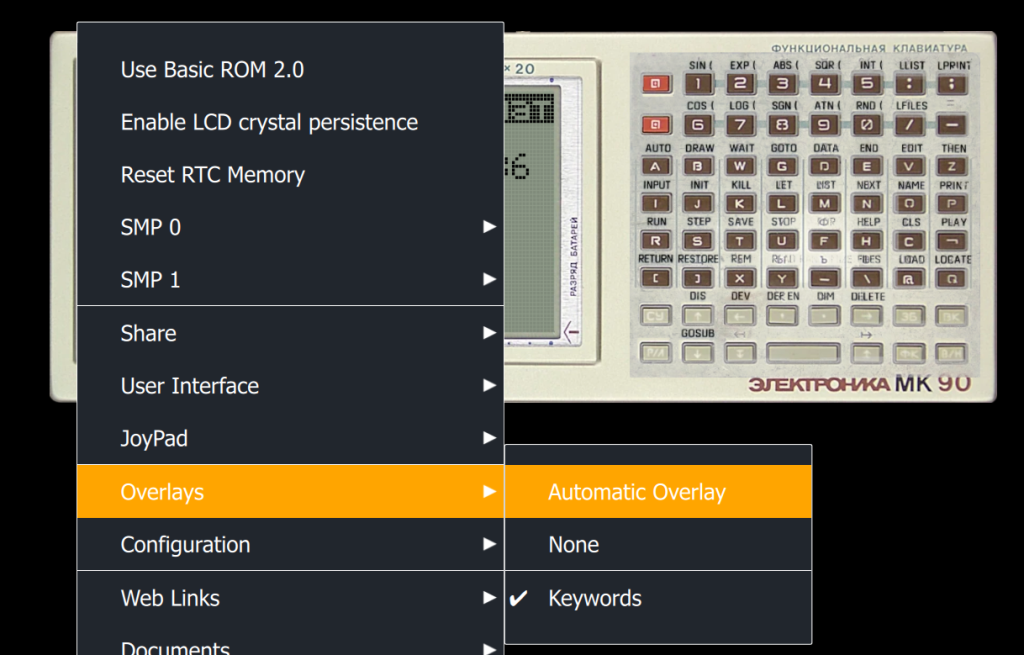
By the way, the Overlay image quality is very poor. I have to provide a better one.
The test functions, accessible via the ‘T’ key on the main screen, were not working. This was caused by incorrect memory range handling and by prioritizing the MK‑92 ROM (the plotter). This issue has now been fixed.
I had hoped this would also resolve my remaining MK‑92 issues, but unfortunately that is not yet the case. There is still work to be done on this printer.
By the way, the use of BASIC 1.0 or 2.0 ROM was not saved in the session. This is now fixed.
Kana character handling in the Keyboard Simulator
Significant progress has been made in handling Kana characters within the Keyboard Simulator.
Japanese characters can now be copied directly into the text input area, and PockEmul handles everything automatically. I am eagerly awaiting feedback from Japanese users.
All half‑width characters, as well as handakuten and dakuten, are now fully supported.
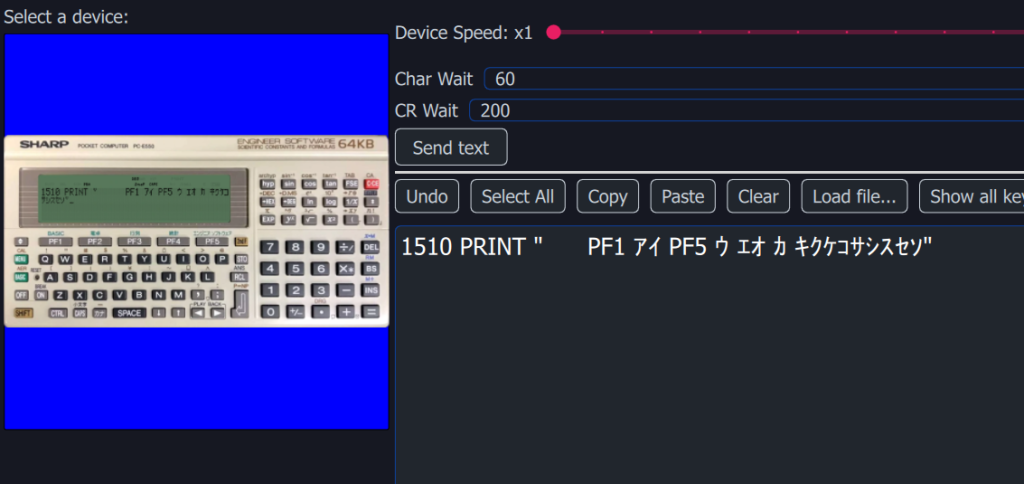
The initial focus was on Sharp E500 series machines, but support has now been extended to other Sharp models as well as Casio devices.
I will try to extend this to the Canon X-07, the Nec PC-2001 and the National JR-800.
The next step will be to apply this experience to support Cyrillic characters on Elektronika machines.
HP‑82163A video interface
A user rightly pointed out that preserving the exact physical shape of this interface looks nice but wastes screen space.
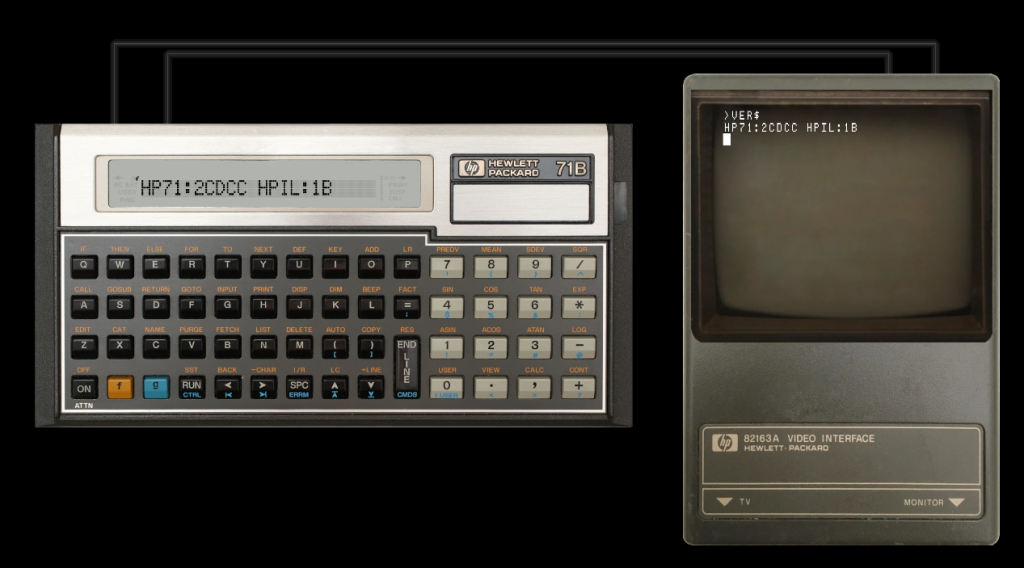
As a result, a condensed skin has been added.
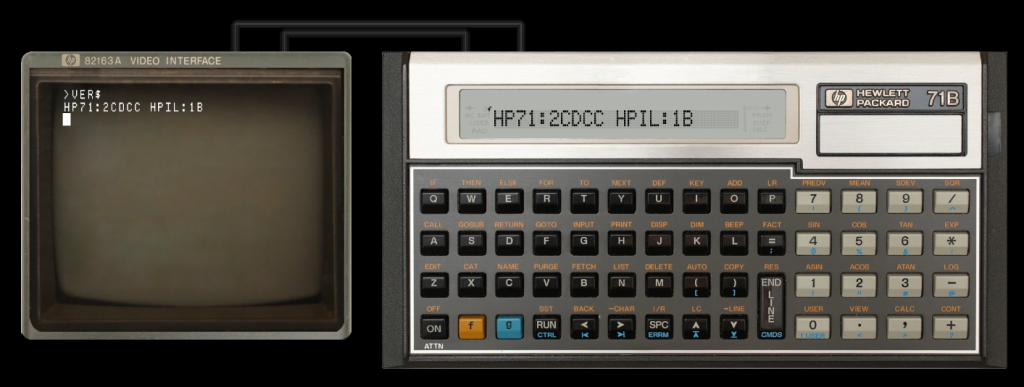
At startup, the standard skin is displayed by default. The condensed skin can be selected from the “User Interface” menu. This choice is saved in the session, so it does not need to be reselected each time.
CE‑126P
This Sharp printer is truly iconic.
Aside from the Sharp PC‑1211—the very first model—it is compatible with every Sharp pocket computer up to the PC‑G850.
That is quite remarkable.
To remain compatible with early models designed to work with the CE‑125, the CE‑126P includes two controllers:
- one for the legacy mode
- one for the newer mode using DeviceID exchange, allowing multiple peripherals to be chained together
This feature was only ever used with the floppy disk drive (CE-140f) , but Sharp had clearly envisioned an HP‑IL‑like system—without a loop, since the cables are bidirectional.
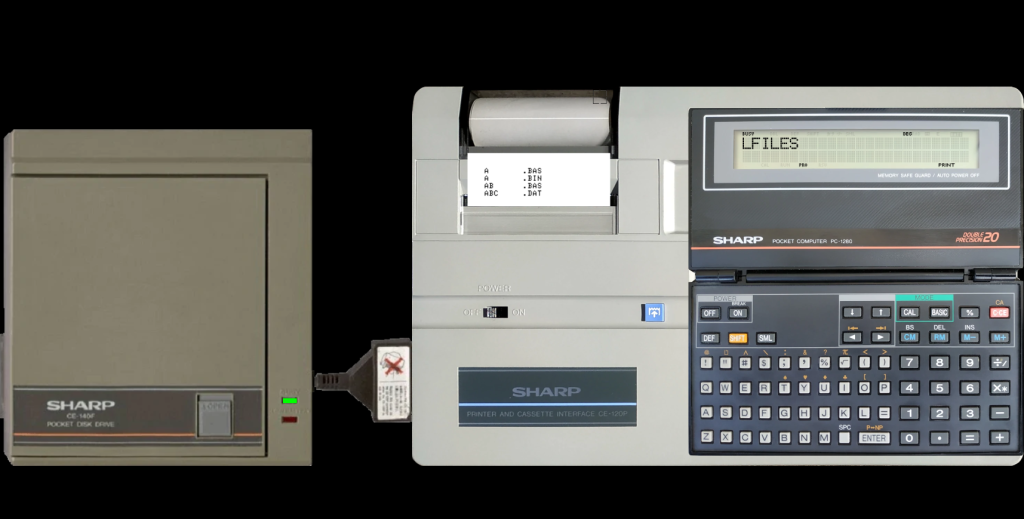
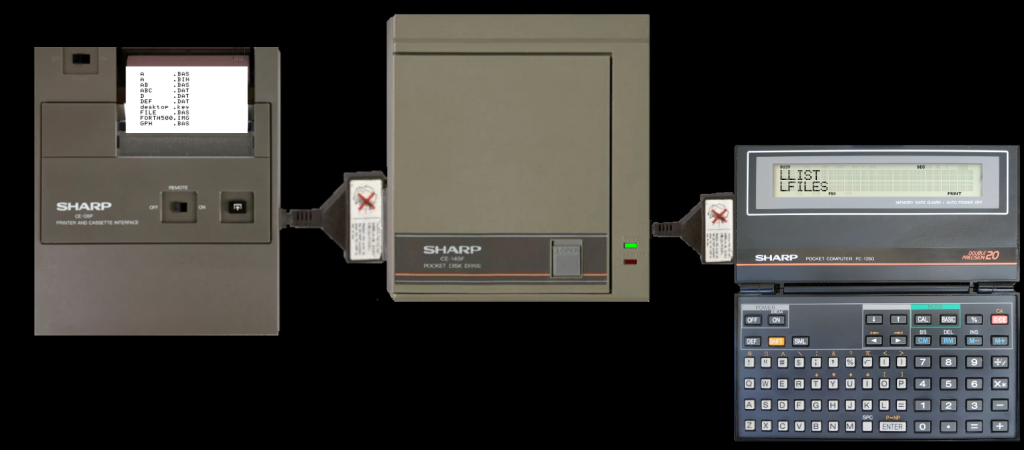
However, there was a subtle detail I had initially missed.
Early models (from PC‑1245 to PC‑1262, inclusive) send:
0x30for zero0x4Ffor the letter ‘O’
Strangely, the new models are sending:
0x30for ‘O’0xF0for zero
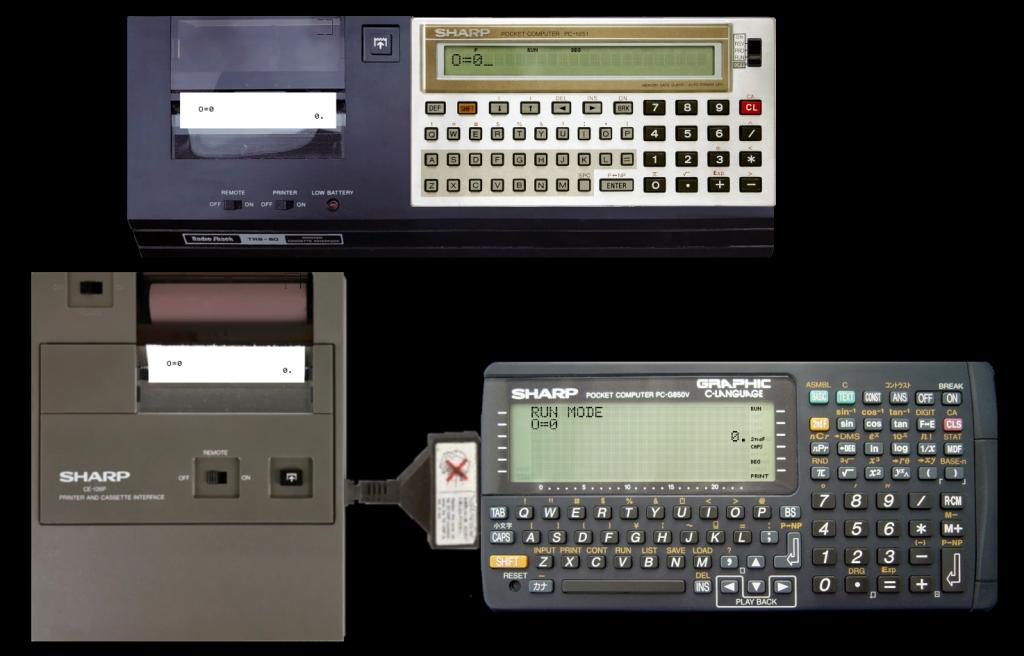
The active mode must therefore be detected so that proper conversion can be applied for ‘Export as Text’.
In PockEmul, machines are independent and only see their own connector. PockEmul itself handles data transfer between devices. As a result, the CE‑126P cannot directly know whether it is connected to an older or newer generation device.
The conversion is therefore performed based on the communication protocol in use.
If a DeviceID is sent by the pocket computer, it is treated as a newer generation device and the appropriate conversion is applied.
Thank you all for your continued feedback and support.
Perfect emulation is an infinite quest. Please report us any inaccurate behaviour at contact@pockemul.com
A message for our longstanding users and subscribers :
PockEmul is a 25 years passion project and a labor of love.
We invite you to share the passion and love for vintage computing.
Help us make history like these computers have done in the not-so-distant past.
Help us shape the future of PockEmul. Spread the word!
Bonjour,
J’adore Pockemul et l’utilise sur ma tablette et mon téléphone pour des calculs tous les jours. Toutefois, il y a pour moi un petit problème, à savoir que pour une raison ou d’autre, j’ai accumulé beaucoup de machines et je ne sais pas comment les supprimer. Est-ce qu’il existe une commande pour l’effectuer ?
Merci encore pour ce logiciel d’émulation.
Si je comprends bien vous avez toutes vos machines qui tournent en meme temps et vous switchez d’une machine à l’autre par le dock en bas.
Cela n’est pas la bonne solution.
lorsque vous voulez changer de machine vous devez sauvegarder votre session (Menu / Storage ou Cloud Storage) puis faire un “Close Session”.
Toutes les machines sont alors fermées et vous repartez d’une page blanche.
Vous gérez ainsi des sessions (ensemble de machines) cohérentes.
Je vous conseille d’aller regarder les vidéo explicatives de la Play list PockEmul Tour.
Il y a un lien en bas du menu principal.
Pour fermer une seule machine il suffit de fait “Close” dans le menu contextuel de la machine.